Every letter has its own path
FlowTyping shows the finger’s path from its home key to a letter and back. Repeat the movement until your hands remember.
A physical keyboard required. Free, no sign-up, one minute per session.
Where this comes from
Touch-typing is a movement skill. Your finger finds a letter from its home position; with practice, that movement no longer needs your attention.
In typing courses in the 1970s, learners described each movement before pressing: “right hand, index finger, up”. FlowTyping gives that instruction to the eyes by drawing the finger’s path.
How a session works
-
The finger's path on screen
You see where a finger starts and where it returns. What you memorize is the movement itself.
-
Back home every time
Every keystroke ends on the home row, so your hands know where they are without a glance down.
-
An even rhythm
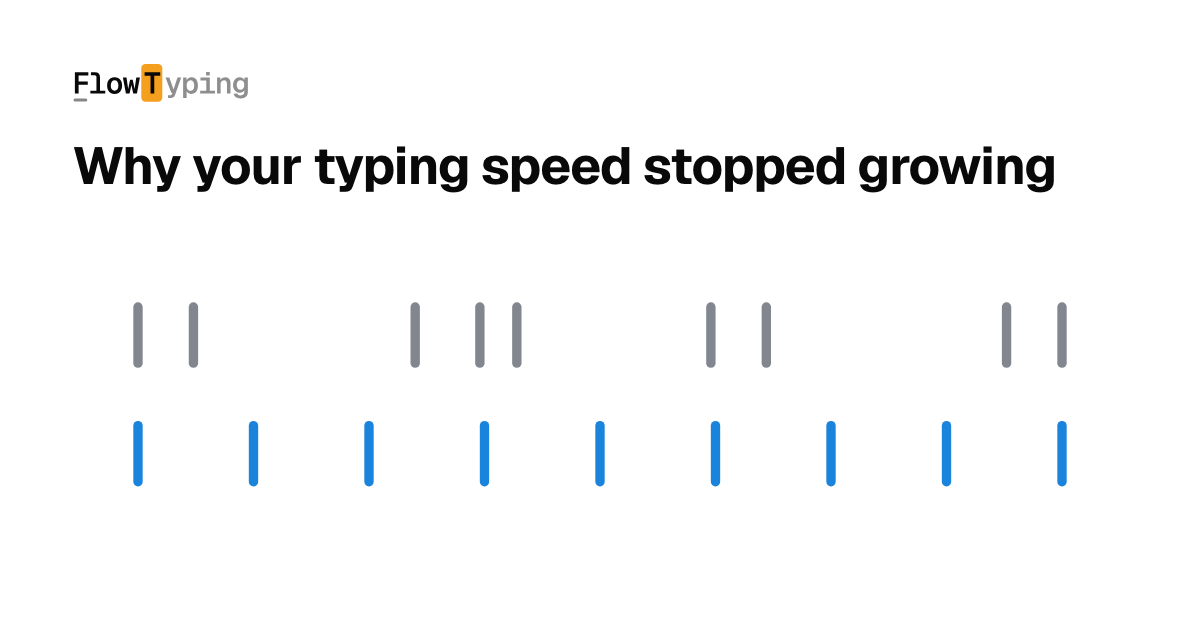
The rhythm guide next to the typing line helps you keep an even pace. You can enable it in settings.
-
Mistakes get fixed on the spot
The cursor waits for the right symbol so you can repeat the correct movement. There are no penalties or error limits.
What you will be typing
You type real words and phrases. The material is split into steps, and each step uses only the letters already open to you.
run · turn · burn
Real words. New letters when you are ready.
The course leads the way
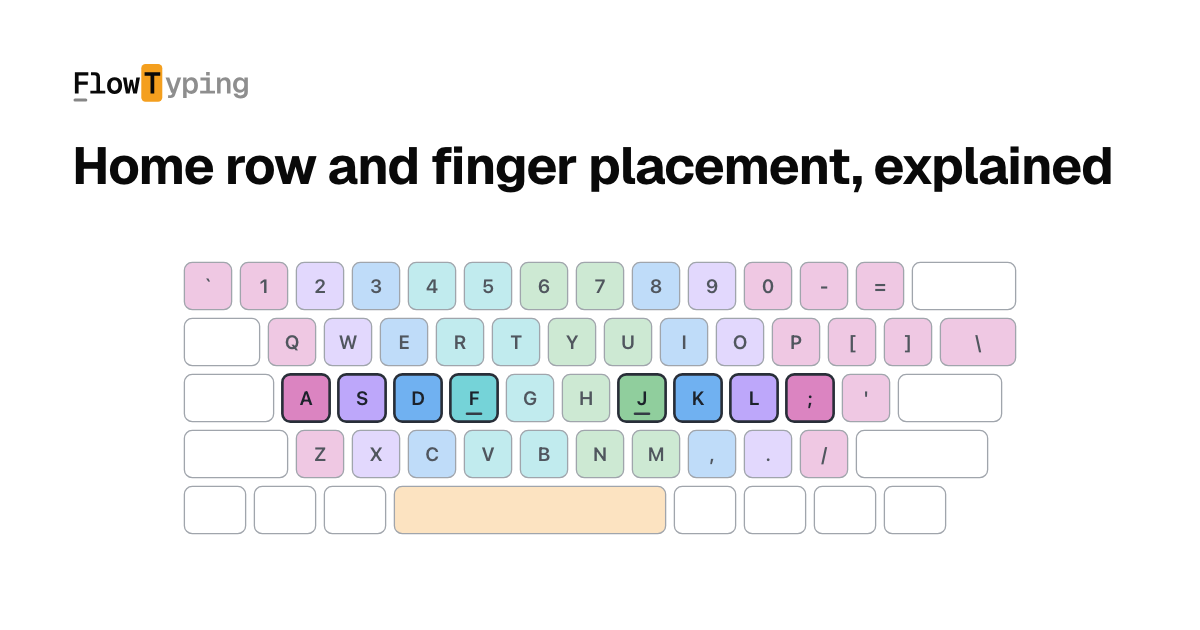
Start with the index fingers and space. More letters open when the earlier ones come on the first try and without hesitation. The trainer chooses the material.
If you already type
Relearning costs you speed for a while. Any change of a motor habit works that way, and the method is built around the dip. You go through it once.
Questions
Do I need a physical keyboard?
Yes. The trainer builds finger movements, and an on-screen keyboard on a phone or tablet has no such movements to build.
Do I need an account?
No, practice starts right away. An account matters later — it keeps your progress and session history across devices.
How long does it take to learn?
The first weeks go into getting your hands to stop hunting for keys; confident speed takes months. Practice should be short, though: a few minutes every day beat an hour once a week.
Will it work if I already type my own way?
Yes, but your speed will drop for a while: the old motor habit interferes with the new one. The dip is limited in time and crossed once.
Can I learn both QWERTY and ЙЦУКЕН?
Both, but one at a time: until a movement is consolidated, the second layout interferes with it. Progress is tracked per layout.
How long is one session?
From one minute to fifteen — the length is a setting. A minute is enough to keep the day from being a blank.
What does it cost?
Nothing. The trainer is free and carries no ads.
More to read
All articles →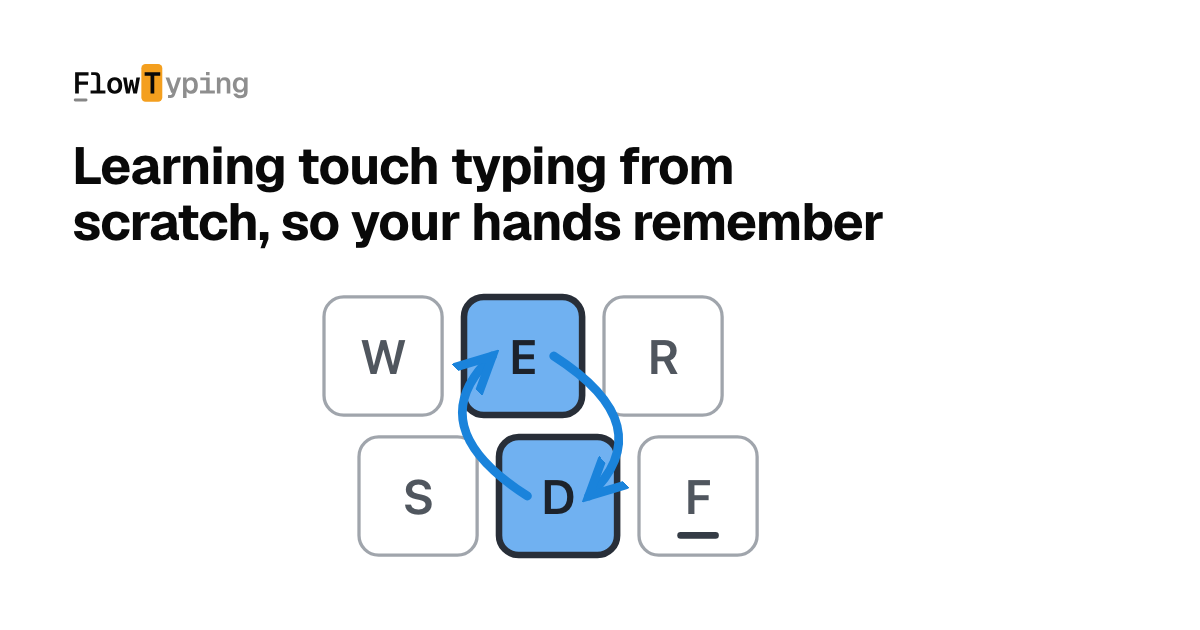
Focus on practice
A few minutes a day — accuracy first, speed will catch up on its own.
Start Training ↵